
Is it Excel vs Excell? One tiny letter can make a surprisingly big difference! If you’ve ever hesitated over this spelling, you’re certainly not alone. English has plenty of confusing spelling rules, and this word is no exception. In this guide to Excel vs Excell, you’ll learn why Excel is the correct spelling, what it means, and how to use it in everyday writing. We’ll also look at related forms such as excelled and excelling, explain why the extra L causes confusion, and explore common mistakes. By the end, you’ll know exactly how to spell the word without second-guessing yourself.
Excel vs Excell quick answer
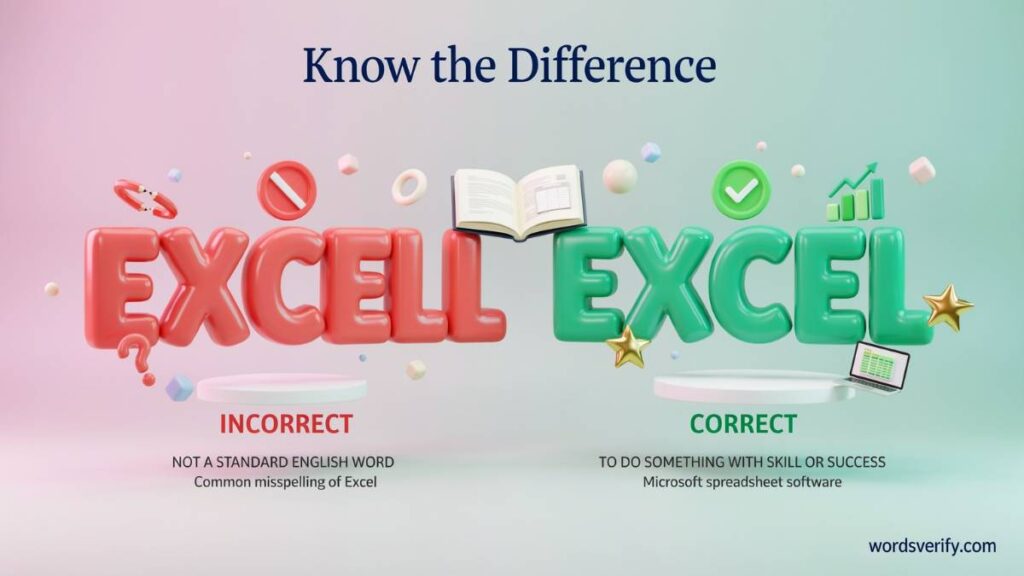
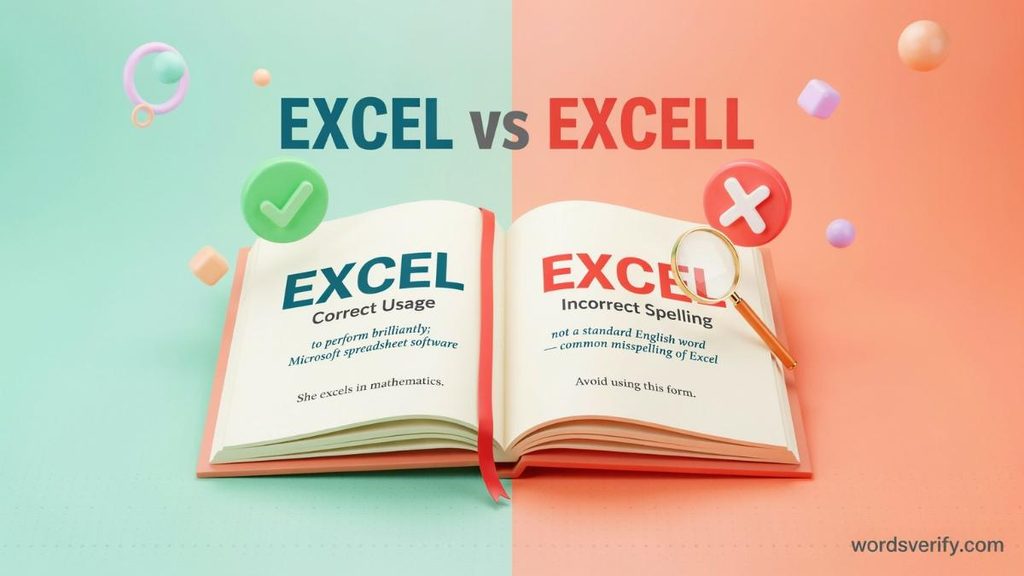
Excel is the correct spelling of the standard English verb. It means to perform exceptionally well, show outstanding ability, or achieve a higher standard than others in a particular activity.
On the other hand, excell is an incorrect spelling when someone intends to use the ordinary English verb. Although you might see it in online searches, informal messages, or everyday writing, it isn’t an accepted alternative spelling.
Consider these examples:
- Correct: Maria hopes to excel in mathematics this year.
- Incorrect: Maria hopes to excell in mathematics this year.
The difference is only one letter, but that extra L creates a spelling error. Always use “excel” in school assignments, professional emails, business documents, and everyday conversations.
Excel vs Excell What’s the Difference?
The difference between these two spellings comes down to the final letter. One is a recognized English word, while the other is a common misspelling.
| Feature | Excel | Excell |
|---|---|---|
| Spelling | Correct | Incorrect as the standard verb |
| Final letters | One L | Two Ls |
| Meaning | To perform exceptionally well | No standard verb meaning |
| Part of speech | Verb | Not a standard spelling of the verb |
| Usage | Accepted in standard English | Common spelling mistake |
| Example | She wants to excel in science. | She wants to excell in science. |
The easiest way to remember the difference is to focus on the original form. The verb ends with one L. Certain grammatical forms double that letter when you add specific endings, but the base word never changes to “excell.”
Is Excell a Real English Word?
In standard English, “excell” isn’t an accepted spelling of the verb meaning to perform exceptionally well. Dictionaries recognize “excel” for this meaning, not “excell.”
However, you might occasionally encounter “Excell” as a surname, company name, brand, or product name. Proper names can have their own spellings, so those uses don’t necessarily represent grammatical errors.
For example:
- Correct verb: He wants to excel at public speaking.
- Incorrect verb: He wants to excell at public speaking.
- Possible proper name: Excell Consulting, if that is the organization’s actual name.
Therefore, when someone asks whether to write “Excel” or “Excell,” the answer is simple: use “excel” when describing outstanding performance or ability.
Learn the difference between tricky more English words
Studder vs Stutter which one is correct?
What Does Excel Mean?
The word “excel” means to perform better than average, achieve an impressive standard, or demonstrate exceptional ability in a particular area. It describes someone who stands out because of their knowledge, skills, effort, or performance.
For example:
- Daniel excels in mathematics.
- She excels at solving difficult problems.
- The company continues to excel in customer service.
- Our team excelled during the competition.
In each sentence, “excel” describes a high level of performance rather than simply taking part in an activity.
Someone who plays a sport doesn’t automatically excel at it. The word suggests that the person has developed an impressive level of skill or ability.
Excel as a Verb
The word “excel” functions primarily as a verb. It describes an action or ability and tells readers that someone performs particularly well at something.
You can use it when discussing academic subjects, professional responsibilities, creative activities, sports, and personal interests.
Consider these examples:
- Academic ability: Students who practice regularly can excel in their studies.
- Professional performance: Experienced employees often excel at managing complex projects.
- Creative skills: The young artist excels in portrait painting.
- Sports: The athlete excels at swimming.
- Leadership: Good managers excel at motivating their teams.
Notice how the word describes the quality of someone’s performance. It doesn’t simply mean that someone enjoys an activity or participates in it.
Excel in School and Education
In education, “excel” describes students who achieve outstanding results or demonstrate strong abilities in academic and extracurricular activities.
A student might excel in mathematics, science, literature, history, or foreign languages. The word also applies to school competitions, music programs, and sports.
For example:
- Sarah worked hard to excel in her final examinations.
- Ahmed excels in mathematics and physics.
- The teacher encourages every student to excel in their studies.
- Although writing was difficult at first, James eventually excelled in English.
- Several students excelled in the regional science competition.
Excelling in school doesn’t necessarily mean receiving perfect grades. A student can demonstrate excellence by improving consistently, developing strong subject knowledge, or showing exceptional skills.
Imagine a student who initially struggles with mathematics but gradually becomes one of the strongest problem-solvers in the class. That student has learned to excel in mathematics through practice and determination.
Excel in the Workplace
Professional environments provide plenty of opportunities to use this word. Employers often use “excel” when discussing performance, leadership, communication, teamwork, and specialized knowledge.
For example:
- Employees who communicate effectively often excel at teamwork.
- She hopes to excel in her new management position.
- The company excels in providing reliable customer support.
- His attention to detail helped him excel at financial analysis.
- Experienced designers often excel in creative problem-solving.
The expression “excel in your career” refers to achieving a high standard of professional performance. This might involve developing expertise, completing challenging projects, accepting greater responsibilities, or producing consistently strong results.
However, excelling at work doesn’t always mean outperforming your colleagues. It can also mean improving your own abilities and making meaningful progress.
Excel in Everyday Conversation
You don’t need a classroom or office to use “excel.” The word fits naturally into conversations about hobbies, interests, personal talents, and everyday activities.
For instance:
- My brother excels at playing chess.
- She excels in creative writing.
- They excel at organizing community events.
- He has always excelled in outdoor sports.
- You can excel at almost any skill with consistent practice.
The word works whenever someone demonstrates an unusually high level of ability or performance.
Learn the difference between tricky more English words
Choosing vs Chosing which one is correct?
What Does Excell Mean?
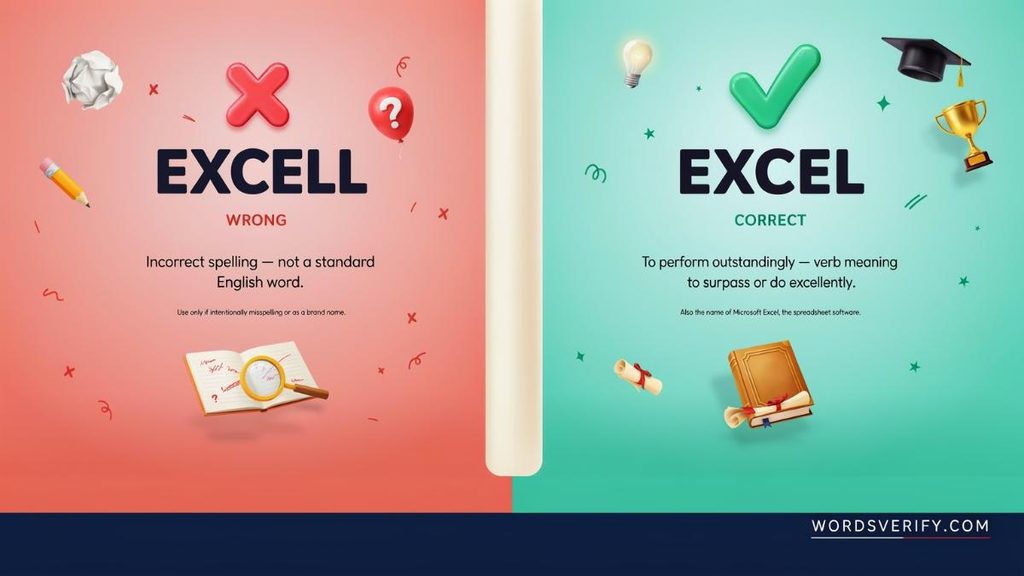
In standard English, “excell” has no established meaning as an alternative form of the verb “excel.” People who use this spelling usually make a mistake rather than refer to a different vocabulary word.
For example:
- Incorrect: Our students excell in mathematics.
- Correct: Our students excel in mathematics.
The same rule applies to academic, professional, and casual writing.
You might encounter “Excell” in a company name, username, surname, or brand. Those uses depend on the name chosen by the individual or organization. They don’t change the standard spelling of the English verb.
Why Do People Spell Excel as Excell?
Several things contribute to this common spelling confusion.
- Confusion with grammatical forms: The past-tense and present-participle forms of “excel” contain two Ls. Writers sometimes assume the original word should follow the same pattern.
- Pronunciation: The final consonant sounds the same whether someone writes “excel” or the incorrect “excell.” Since pronunciation doesn’t reveal the number of written letters, people may add an unnecessary L.
- Spelling patterns: English contains many words that double their final consonants when adding certain suffixes. Writers sometimes apply this rule to the base form by mistake.
- Typing habits: People often repeat letters accidentally when typing quickly. Spell-checking tools can catch some errors, but they don’t always identify every mistake.
The important thing to remember is that pronunciation and spelling don’t always match perfectly. Understanding the word’s grammatical forms makes the difference much easier to remember.
Learn the difference between tricky more English words
Accross vs Across Which one Is Correct?
The Excel Spelling Rule Why the Base Word Has One L
One of the most interesting parts of this spelling rule involves the different forms of the verb.
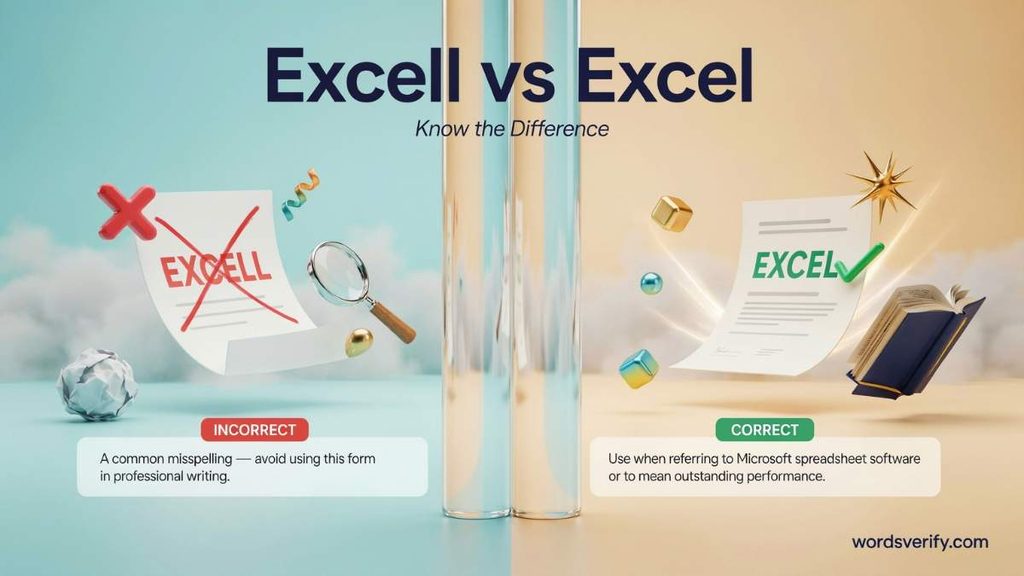
The base word contains one final L. However, when certain suffixes are added, the final consonant doubles.
Compare these forms:
| Grammatical form | Correct spelling |
|---|---|
| Base form | Excel |
| Third-person singular | Excels |
| Simple past | Excelled |
| Past participle | Excelled |
| Present participle | Excelling |
Why does this happen?
English spelling rules sometimes require a final consonant to double before a suffix. This commonly happens when a word ends in a single consonant preceded by a single vowel. In longer words, the rule can also apply when the final syllable carries the stress and meets the relevant spelling conditions.
The word “excel” has its stress on the final syllable. Therefore, its final L doubles when certain suffixes are added.
Why Excel Has One L but Excelling Has Two
The difference becomes clearer when you examine how the word changes.
Excel + ed = Excelled
When forming the simple past tense, the final L doubles before adding “-ed.”
Example: She excelled in her final examinations.
Excel + ing = Excelling
The same doubling happens when adding “-ing.”
Example: He is excelling at his new job.
Excel + s = Excels
The third-person singular form doesn’t require doubling.
Example: My sister excels at playing the piano.
This distinction matters because writers sometimes see “excelled” or “excelling” and assume the original word must also contain two Ls.
It doesn’t.
The base spelling remains “excel.” The extra consonant appears only in the grammatical forms that require it.
Learn the difference between tricky more English words
Chalet vs Château which one is corrcet?
The Different Forms of Excel and How to Use Them
Understanding the grammatical forms of “excel” helps you avoid spelling mistakes and write more natural sentences.
Here are the main forms and how they work.
Excel Base Form
Use “excel” with subjects such as I, you, we, and they. It also follows modal verbs such as can, could, will, and should.
Examples:
- I want to excel in my studies.
- You can excel at creative writing.
- They hope to excel in the competition.
- She will excel in her new position.
Excels Third-Person Singular
Use “excels” with singular third-person subjects such as he, she, it, or a person’s name.
Examples:
- Maria excels in mathematics.
- He excels at solving puzzles.
- The company excels in customer service.
Excelled Simple Past and Past Participle
“Excelled” describes an achievement that happened in the past. It also works with helping verbs to form perfect tenses.
Examples:
- She excelled in her previous school.
- Our team excelled during the tournament.
- He has excelled in several leadership roles.
- They had excelled before the final competition began.
Excelling Present Participle
“Excelling” describes an ongoing action or performance. It commonly appears with helping verbs such as is, am, are, was, and were.
Examples:
- She is excelling in her studies.
- The students are excelling in science.
- He was excelling at work before changing departments.
Remember this simple pattern: excel, excels, excelled, excelling. The base form has one L, while the past and “-ing” forms have two.
Learn the difference between tricky more English words
Sponsor vs Sponser Which one Is Correct?
Excel At or Excel In Which Preposition Is Correct?
Both “excel at” and “excel in” are grammatically correct. The choice depends on the sentence and the type of activity or area you’re describing.
Although their meanings overlap, they often appear in slightly different contexts.
When to Use Excel At
Use “excel at” when referring to a specific activity, task, skill, or action.
Examples:
- She excels at painting.
- He excels at solving mathematical problems.
- My brother excels at playing basketball.
- They excel at communicating with customers.
This expression often highlights what someone does particularly well.
When to Use Excel In
Use “excel in” when referring to a subject, field, profession, area of responsibility, or broader activity.
Examples:
- She excels in mathematics.
- He excels in business management.
- The company excels in technology services.
- They excel in academic research.
However, these aren’t strict rules. English speakers commonly use both prepositions with some activities and subjects.
For example, both sentences are correct:
- She excels at mathematics.
- She excels in mathematics.
The first emphasizes her ability to perform well in the subject. The second highlights her overall strength in that academic area.
Choose the preposition that sounds most natural in your sentence.
Learn the difference between tricky more English words
Reins vs Reigns which one is correct?
The Origin and History of the Word Excel
The word “excel” has a long history that helps explain its modern meaning and the confusion surrounding Excel vs Excell.
It entered English during the Middle English period, around the late 14th or early 15th century. Its development traces back through Old French to the Latin verb “excellere,” meaning to rise above, surpass, or be superior.
The Latin word combines elements associated with going beyond and being elevated. Over time, English speakers adopted “excel” to describe someone or something that stands above others in quality, ability, or achievement. This history also helps clarify the difference in Excel vs Excell, since only “excel” is the standard spelling of the verb.
Its meaning remains closely connected to these historical roots. When someone excels in a subject, they rise above an ordinary level of performance. When a company excels in customer service, it provides a standard that distinguishes it from competitors.
The word’s history explains why its meaning involves achievement and superiority rather than simply taking part in an activity. Understanding this background makes Excel vs Excell easier to remember: the correct verb is “excel,” with one L.
Learn the difference between tricky more English words
Stellar vs Steller which one is correct?
Excel vs Microsoft Excel Understanding the Two Uses
There is another reason people sometimes confuse these terms: “Excel” is also the name of a popular spreadsheet application developed by Microsoft.
Although the verb and software share the same spelling, they have different meanings and functions.
Excel as an English Verb
As explained earlier, “excel” describes performing exceptionally well.
Examples:
- She wants to excel in her career.
- The students excel in mathematics.
- He excels at managing difficult projects.
In these sentences, “excel” functions as a verb.
What Is Microsoft Excel?
Microsoft Excel is spreadsheet software that helps users organize information, perform calculations, analyze data, and present results.
It is part of Microsoft’s productivity software range and is widely used in education, business, finance, administration, and research.
An Excel spreadsheet organizes information into rows and columns. Each individual box is called a cell. Users can enter text, numbers, dates, formulas, and other information into these cells.
For example, a small business might use an Excel workbook to track:
- Monthly income and expenses.
- Employee salaries.
- Customer information.
- Product inventory.
- Sales performance.
- Tax calculations.
Microsoft Excel also includes formulas, functions, charts, formatting options, and data-analysis tools.
Some commonly used Excel functions include:
| Function | Purpose |
|---|---|
| SUM | Adds numbers together |
| AVERAGE | Calculates the average |
| COUNT | Counts cells containing numbers |
| MAX | Finds the largest value |
| MIN | Finds the smallest value |
| IF | Returns results based on a condition |
| VLOOKUP | Searches for information in a table |
| XLOOKUP | Searches for matching information in a range or array |
These tools make Excel useful for simple calculations as well as more advanced spreadsheet tasks.
Excel Online and the Web Application
You don’t necessarily need to install the desktop application to work with spreadsheets.
Excel for the web allows users to create, edit, and share workbooks through an internet browser. Microsoft offers a free web version for users with a Microsoft account, although some advanced features require an eligible Microsoft 365 subscription.
The online version supports everyday spreadsheet tasks, including formulas, tables, and collaboration. Users can also work with files stored online.
Microsoft 365 Excel and the Desktop Application
Microsoft also offers Excel through its Microsoft 365 plans and other eligible Office products.
Depending on the license, users can install the desktop application on supported computers and access additional features.
The desktop version is useful for people who regularly work with large spreadsheets, advanced formulas, data analysis, and more complex workbook features.
How Excel Helps Students and Professionals
Microsoft Excel serves many purposes beyond basic calculations.
1.For students:
- Organizing research data.
- Creating class schedules.
- Tracking assignment deadlines.
- Calculating grades.
- Preparing charts for school projects.
2.For businesses:
- Managing budgets.
- Monitoring sales.
- Tracking inventory.
- Analyzing financial information.
- Preparing reports.
3.For personal use:
- Planning household expenses.
- Tracking savings.
- Organizing travel budgets.
- Managing daily schedules.
- Keeping records of monthly spending.
Learn the difference between tricky more English words
Cheer vs Chear Which one Is Correct?
Common Spelling and Grammar Mistakes Involving Excel
Even writers who understand the correct spelling sometimes make mistakes when using related words. The following examples highlight common problems and their corrections.
Writing Excell Instead of Excel
This is the most obvious spelling error.
- Incorrect: He wants to excell in his career.
- Correct: He wants to excel in his career.
The base verb never needs an extra L.
Confusing Excel, Excellent and Excellence
These three words share a similar origin, but they perform different grammatical functions.
| Word | Part of speech | Meaning | Example |
|---|---|---|---|
| Excel | Verb | To perform exceptionally well | She wants to excel in science. |
| Excellent | Adjective | Extremely good or high in quality | She submitted an excellent report. |
| Excellence | Noun | The quality of being exceptionally good | The school encourages academic excellence. |
These words aren’t interchangeable.
For example:
- He excels at writing.
- He is an excellent writer.
- His writing demonstrates excellence.
Each sentence communicates a related idea using a different part of speech.
Misspelling Excelled and Excelling
Some writers make the opposite mistake by using only one L in the past-tense and present-participle forms.
Examples:
- Incorrect: She exceled in mathematics.
- Correct: She excelled in mathematics.
- Incorrect: He is exceling at his job.
- Correct: He is excelling at his job.
The double L is necessary in “excelled” and “excelling.” Don’t remove it simply because the base form contains one L.
Using the Wrong Preposition
Another common grammar mistake involves choosing an unsuitable preposition after “excel.”
Incorrect: She excels on mathematics.
Correct: She excels in mathematics.
Correct: She excels at mathematics.
Remember that “excel in” and “excel at” are the common standard constructions. Choose between them according to the meaning and flow of your sentence.
Learn the difference between tricky more English words
Suit vs Suite which one is correct?
Excel vs Excell Correct Usage in Different Writing Contexts
The spelling doesn’t change depending on whether you’re writing casually or professionally. “Excel” remains the correct form in standard English.
However, the surrounding sentence may differ according to the audience and situation.
Everyday Writing and Conversations
In everyday conversations, “excel” works naturally when discussing personal abilities, hobbies, and achievements.
Examples:
- My cousin excels at playing guitar.
- She wants to excel in her new hobby.
- You really excel at organizing events.
- Our local team excelled during the tournament.
These sentences sound natural without making the word seem overly formal.
Academic and Educational Writing
Students should use “excel” when describing academic achievement, classroom performance, or extracurricular activities.
Examples:
- The student hopes to excel in mathematics.
- Consistent practice helped her excel in science.
- The school provides additional resources to help students excel.
- He excelled in his research project.
Writing “excell” in an assignment would be a spelling mistake, even if the reader understands the intended meaning.
Professional Emails and Business Communication
In professional writing, “excel” often appears when discussing employee performance, business achievements, and career development.
Examples:
- We encourage our employees to excel in their respective roles.
- She has consistently excelled at managing customer relationships.
- The organization aims to excel in product quality.
- His leadership skills helped the department excel.
The word works well in formal reports, resumes, performance reviews, and business correspondence.
Articles, Blogs and Online Content
Writers can use “excel” naturally in educational articles, blog posts, and online publications.
For example:
- Learn how to excel in your professional career.
- These study techniques can help students excel in school.
- Discover the skills that help successful entrepreneurs excel.
When discussing Microsoft Excel, capitalize the product name to distinguish it from the ordinary verb.
Learn the difference between tricky more English words
Busing vs Bussing Which one Is Correct?
How to Remember the Correct Spelling of Excel
Remembering the correct spelling doesn’t require a complicated grammar lesson. A simple reminder can prevent the mistake.
Excel has one L at the end.
Think of the word as having two parts: EX + CEL.
The base form ends with a single L. Keep that spelling whenever you use the verb without a suffix that requires consonant doubling.
Here are a few additional ways to remember it:
- Use a short memory sentence: “You can excel without an extra L.” This simple phrase reinforces the correct spelling.
- Remember the grammatical pattern: Excel, excels, excelled, excelling. Only certain forms double the final L.
- Practice with examples: Write sentences such as “I want to excel in school” and “She excels at writing.”
- Check the base word: Before adding a suffix, make sure you’re starting with the correct spelling.
- Use a spell-checking tool: A dictionary or writing assistant can help identify accidental extra letters.
Excel vs Excell Quick Comparison and Usage
If you’re still unsure about the difference between Excel vs Excell, this comparison brings the main points together.
| Question | Correct answer |
|---|---|
| Which spelling is correct? | Excel |
| Does Excel have one L or two? | One L in the base form |
| Is Excell an accepted alternative spelling? | No |
| What does Excel mean? | To perform exceptionally well |
| What part of speech is Excel? | Verb |
| What is the past tense? | Excelled |
| What is the present participle? | Excelling |
| Is Microsoft Excel spelled with one L? | Yes |
| Can you use Excel in academic writing? | Yes |
| Is the spelling different in American and British English? | No |
The main lesson is simple: “Excel” is the correct base spelling. Don’t let the double L in “excelled” and “excelling” confuse you.
Practice session Excel vs Excell
Test your understanding of the correct spelling and usage of Excel vs Excell. Complete each sentence with the appropriate word or expression.
Fill in the blanks
- She hopes to ______ in her new teaching position.
- He has always ______ at solving complex problems.
- Good communication skills help employees ______ at work.
- My brother is ______ in mathematics this year.
- They worked hard to ______ in the competition.
- Sarah ______ at playing the piano.
- I believe you can ______ if you keep practicing.
- The student has ______ in all her subjects.
- He is ______ at managing difficult situations.
- Our team wants to ______ in the upcoming tournament.
- She has the ability to ______ in a competitive environment.
- David ______ in science throughout high school.
- You can ______ at almost any skill with patience and effort.
- The new employee is already ______ in customer service.
- She hopes to ______ in her chosen career.
- He ______ at writing clear and engaging reports.
- The company encourages its workers to ______ in their roles.
- My cousin has ______ in several international competitions.
- I want to ______ at public speaking.
- The young athlete is ______ in every training session.
- She has always ______ in creative activities.
- A good student tries to ______ in both learning and teamwork.
- He believes he will ______ with enough preparation.
- The teacher praised the students who were ______ in their studies.
- Instead of writing “excell,” remember to spell the base word ______.
Answers
- Excel
- Excelled
- Excel
- Excelling
- Excel
- Excels
- Excel
- Excelled
- Excelling
- Excel
- Excel
- Excelled
- Excel
- Excelling
- Excel
- Excels
- Excel
- Excelled
- Excel
- Excelling
- Excelled
- Excel
- Excel
- Excelling
- Excel
Here’s a trusted source for clear word meanings:
FAQs
What Does Excel Mean?
Excel means to do something very well or perform better than others. It can also mean to surpass a standard or achieve a high level of success. For example, “She continues to excel in mathematics” means she performs exceptionally well in the subject.
Is It Excel vs Excell?
Excel is the correct spelling. Excell is a common spelling mistake and isn’t accepted as the standard form of the verb. Remember to use one L at the end when writing about achievement or outstanding performance.
How Do You Spell Excel at Something?
The correct phrase is “excel at something.” For example, you might say, “He excels at solving difficult problems.” The word excel always has one L at the end, even when you add grammatical endings such as -s, -ed, or -ing.
Does Excel Mean Excellent?
Excel and excellent are related in meaning, but they serve different grammatical purposes. Excel is a verb meaning to perform exceptionally well, while excellent is an adjective describing something of very high quality. For example, “She excels at writing” and “She is an excellent writer.”
What Does It Mean to Excel in Life?
To excel in life means to make strong progress, develop your abilities, and achieve success in areas that matter to you. It doesn’t necessarily mean outperforming everyone else. It can also involve personal growth, meaningful goals, and consistent improvement.
Do You Excel at Something or Accel at Something?
The correct expression is “excel at something.” Accel is not the standard spelling of this verb. For example, “I excel at communication” is correct, while “I accel at communication” is incorrect.
What Is the Difference Between Excel At and Excel In?
Both expressions are correct, but they often appear in different contexts. Use “excel at” when referring to a particular skill or activity, such as “She excels at public speaking.” Use “excel in” when referring to a broader subject, field, or area of work, such as “He excels in business.”
What Is Another Word for Excel?
Several words can replace excel, depending on the sentence. Common synonyms include outperform, surpass, exceed, shine, thrive, and distinguish oneself. For example, “She excels at her job” could become “She shines at her job.”
What Is a Professional Synonym for Excel?
In professional writing, outperform, surpass, demonstrate expertise, and distinguish oneself can work as alternatives to excel. The best choice depends on the context. For example, “The team consistently outperforms its targets” sounds suitable for a business report.
How Do You Use Excel in a Sentence?
Use excel as a verb when describing someone who performs exceptionally well in a particular area. Here are a few examples:
- Maya hopes to excel in her new position.
- Our team excels at solving customer problems.
- He worked hard to excel academically.
- Good leaders often excel at communication.
- She wants to excel in her chosen profession.
What Does “I Excel at” Mean?
The phrase “I excel at” means that you perform very well or have a strong ability in a particular activity. For example, “I excel at organizing events” means you are especially good at planning and managing events.
What Does “I Will Excel” Mean?
“I will excel” expresses confidence or determination to perform exceptionally well in the future. Someone might say, “I will excel in my new role” to show their commitment to doing their best and achieving success.
What Are Five Good Synonyms for Excel?
Five useful synonyms for excel are:
- Outperform
- Surpass
- Exceed
- Shine
- Thrive
These words have slightly different meanings, so choose one that fits the sentence rather than replacing excel automatically.
Is Excel a Verb or an Adjective?
Excel is primarily a verb. It describes the action of performing exceptionally well or surpassing expectations. Excellent is the related adjective. For example, “He excels at teaching” uses the verb, while “He is an excellent teacher” uses the adjective.
Can Microsoft Excel Correct Grammar?
Microsoft Excel isn’t a dedicated grammar-checking program. It includes spelling tools that can identify many misspelled words, but it doesn’t reliably detect grammatical errors or improve sentence structure. For detailed grammar corrections, use a dedicated writing or proofreading tool.
Conclusion
The difference between Excel vs Excell may seem like a tiny spelling detail, but getting it right makes your writing clearer and more professional. Remember, Excel is the correct spelling when you mean to perform exceptionally well or stand out at something. Excell is not a standard alternative, so that extra L has no place in the base word. However, when you write excelled or excelling, the double L is necessary. Once you understand this simple spelling rule, the confusion disappears. So, whether you’re describing a personal achievement or professional talent, let yourself excel without giving the word an extra letter!

Lisa AJS is an experienced blogger and language enthusiast at Words Verify, dedicated to making grammar simple, practical, and enjoyable. She writes engaging content on commonly confused words, grammar mistakes, word meanings, and everyday language challenges.